Getting Started
Connecting the Device to WAN and Smartphone
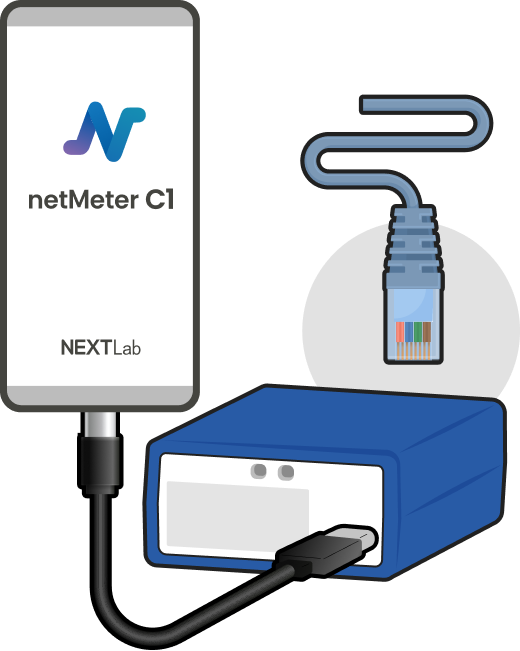
The netMeter C1 device operates through its dedicated app (App name: netMeter C1).
Currently, only the Android platform is supported. We recommend downloading the app by accessing the app download site via the Chrome browser.
Please correctly plug in an internet-connectable LAN cable into the WAN port (RJ-45) of C1 device. It is located on the back right side of the device.
Registering account
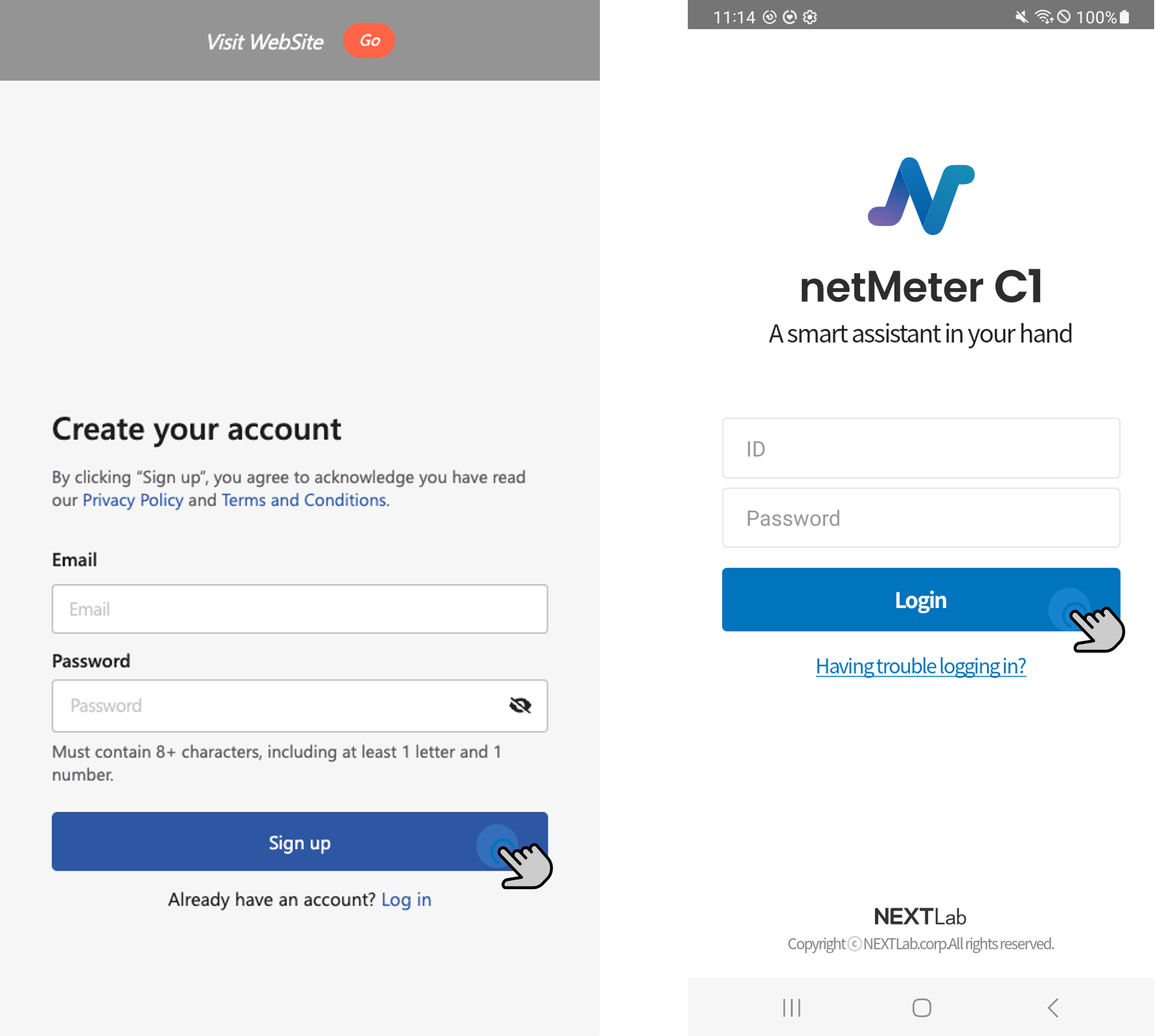
An account is required to use the C1 app. Please follow the steps below to create an account and log in:
- Sign up at netHub.
- Log in within the C1 app.